
Chatify - GTA Enhanced Chat Overlay
A downloadable tool for Windows
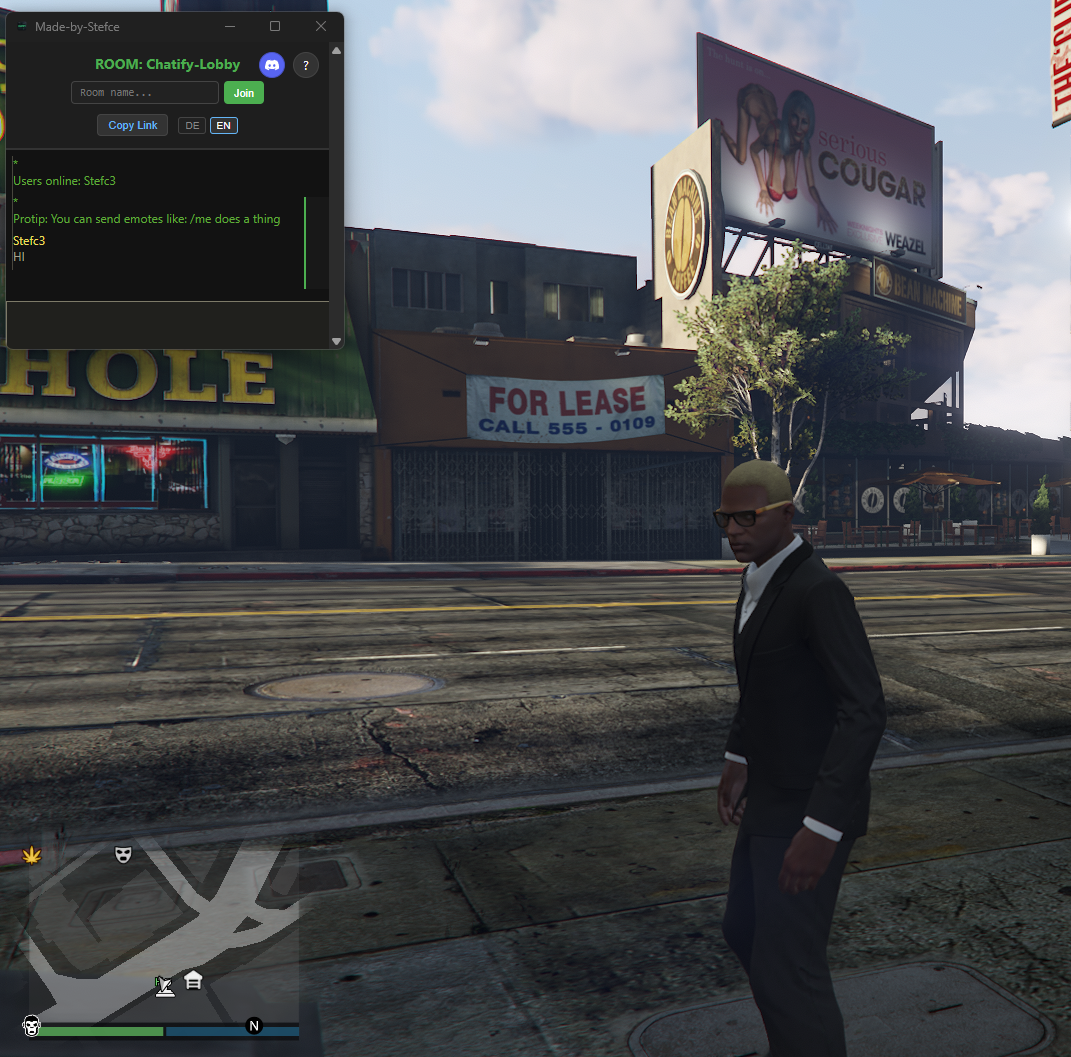
Chatify - GTA Enhanced Game Chat Overlay
Always-on-top chat overlay for GTA & all games.
Powered by hack.chat – communicate seamlessly without tabbing out.
🎮 Features
- Always-on-Top – Chat stays visible while playing
- F2 Hotkey – Instantly create or join private rooms
- No Tab-Out – Stay immersed in your game
- Lightweight – Minimal performance impact
- Works Everywhere – GTA Enhanced, GTA V, and more
🚀 Quick Start
- Download & install Chatify.exe
- Press F2 to Create ur own random Chat ID
- Start chatting!
🛡️ Security
✅ Verified Safe – 63/71 antivirus engines detect as clean View VirusTotal Scan
⚠️ Antivirus Note: Chatify is built with PyInstaller, which can trigger false positives in some antivirus programs. The file is 100% clean and safe. Most security engines detect it as clean. If your antivirus blocks it, you can safely whitelist it.
💬 Support
Join our Discord for help: Discord Server
Made by Stefc3
Download
Install instructions
Chatify – Quick How To
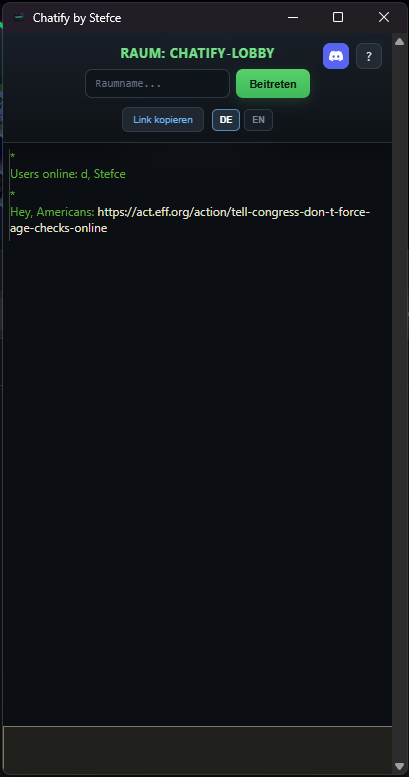
Chatify is a desktop client for hack.chat packed into a standalone
.exe app.
Start
- Double-click
Chatify.exe.
- You will automatically join the default room "Chatify-Lobby".Choose / Create a room
- Type any room name into the "Room name…" field and click "Join" to create or join that room.
- Press F2 to generate a random room name and instantly join that random room.
Invite friends
- Click "Copy link" to copy your current room link and send it to your friends.
- Friends can join via any browser on PC or phone by opening the link, or by entering the same room name in Chatify and clicking "Join".
Help & Discord
- The
i icon opens a short in-app help window.
- The Discord icon opens the official Chatify Discord server.
Chatify - https://stefce.itch.io/chatify
Development log
- Chatify 2.032 days ago
- Chatify 1.1Jan 20, 2026
- Chatify 1.0Jan 18, 2026
Leave a comment
Log in with itch.io to leave a comment.